
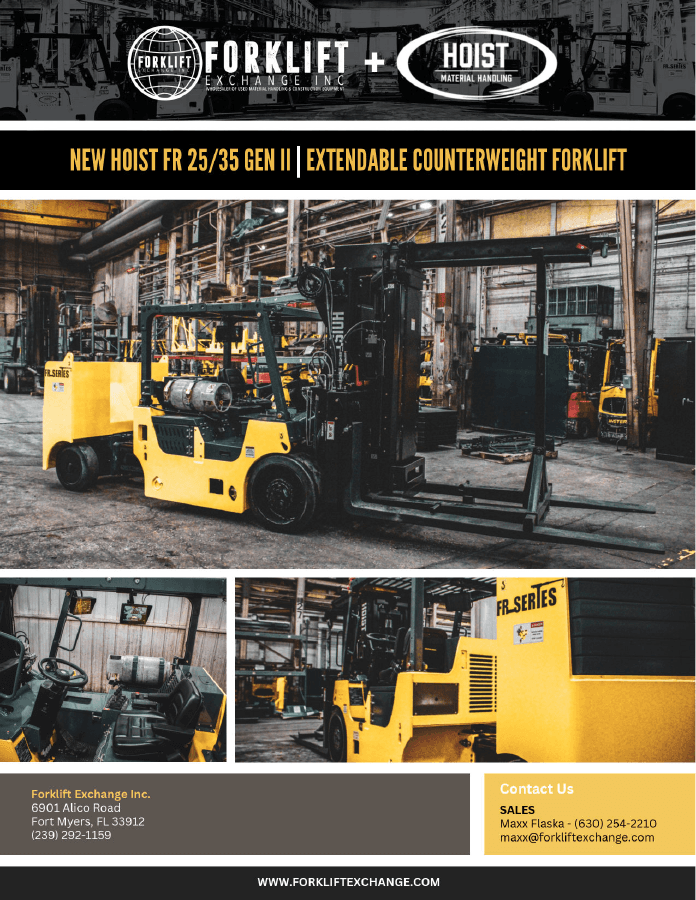
Hoist FR 25/35 load chart
FR25/35 · FR 25-35 · Hoist 25/35
Compare fork and boom capacity as the load center moves outward for compact industrial machinery picks.
Use industrial forklift load charts online to compare capacity by pick weight, load center, center of gravity, forks, and boom—without extrapolating beyond the represented manufacturer data.
A forklift's nameplate capacity is not its capacity at every center of gravity. TOOLroom brings the industrial load-chart searches machinery movers use—capacity chart, load-center chart, COG derating, fork chart, and boom chart—into one mobile-friendly calculator.
FR25/35 · FR 25-35 · Hoist 25/35
Compare fork and boom capacity as the load center moves outward for compact industrial machinery picks.
FR40/60 · FR 40-60 · Hoist 40/60
Evaluate center-of-gravity and load-center derating for forks and boom without extending beyond the represented chart.
FR60/80 · FR 60-80 · Hoist 60/80
Check industrial forklift capacity across supported load centers for heavy machinery-moving picks.
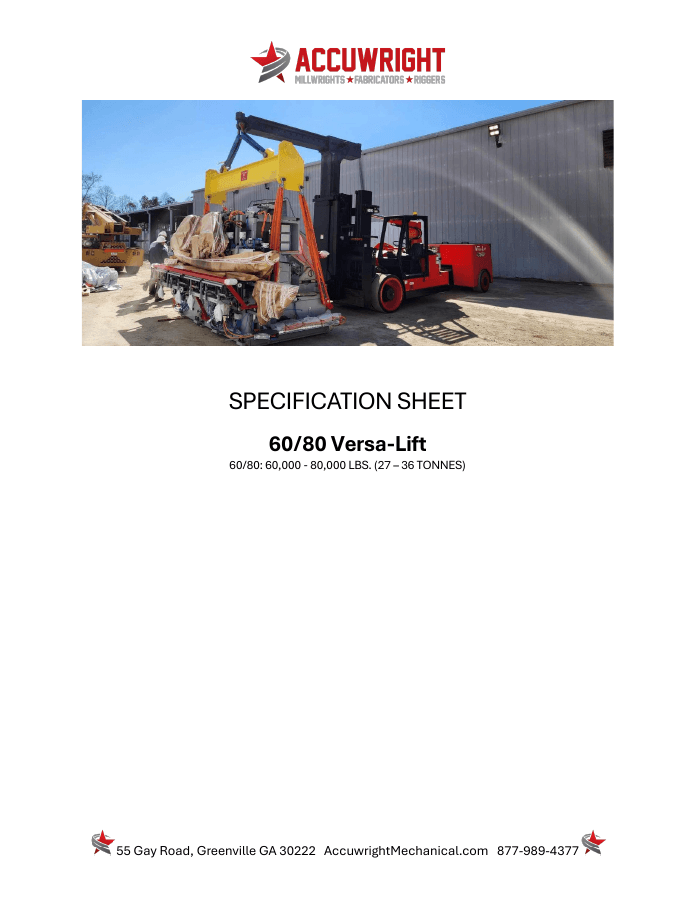
Versalift 60/80 · Versa Lift · Versa-Lift capacity chart
Find the common Versa-Lift and Versalift spelling variations and run the same COG-aware planning calculation.
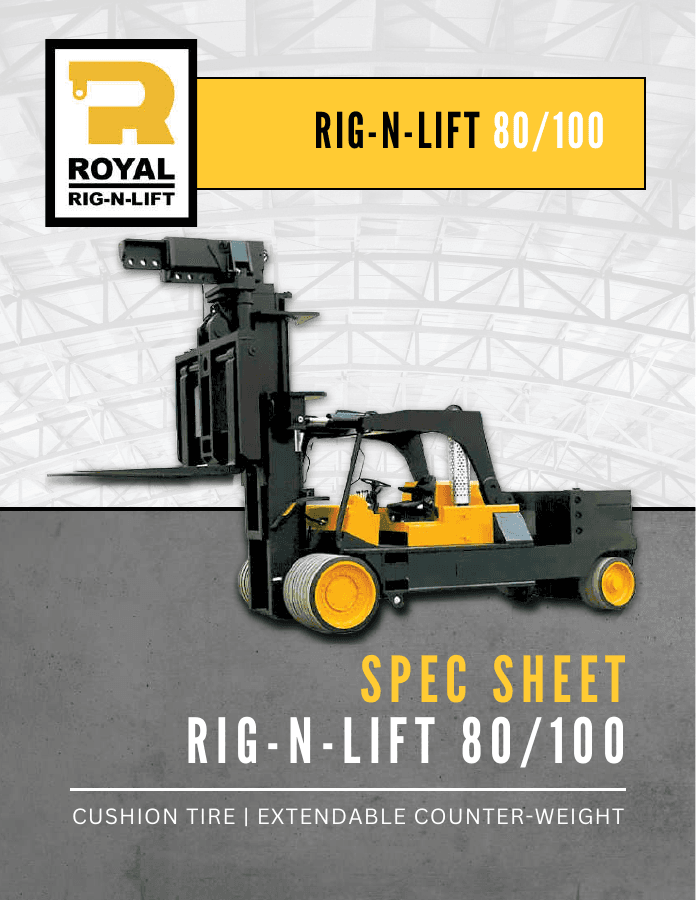
Rig N Lift · Rig-N-Lift 80/100 · 100/140
Compare supported Royal industrial lift configurations by forks, boom, pick weight, and effective load center.
Yale GP050VX · Yale GP155VX · Yale capacity chart
Check the represented warehouse-forklift load-center configurations alongside purpose-built machinery movers.
Planning aid only. Always verify the exact machine, configuration, attachment, and manufacturer load chart before lifting.
TOOLroom is backed by Accuwright's machinery movers, riggers, millwrights, and multi-craft industrial teams. For more than 20 years, Accuwright has planned and executed machinery moves, plant relocations, installations, and complex turnkey projects.
Forklift ratings are tied to a load center. Industrial equipment is rarely a tidy, evenly balanced pallet. Machine beds, motors, electrical cabinets, platens, and tooling can push the effective center of gravity farther from the lift face. That leverage changes the answer.
The Accuwright TOOLroom Lift Selector evaluates the pick at the stated center of gravity and carry mode. If the input falls between published chart points, the calculator interpolates within the chart. It does not invent capacity outside the chart.
Enter the total lifted weight, including rigging and attachments when applicable.
Measure from the fork or boom face to the effective center of the load.
Choose forks or boom so the selector evaluates the correct chart.
Receive a recommended lift class with a clear utilization status.
No App Store download is required. Add the selector to the Home Screen and it launches directly into the calculator with an app-style window.
Visit the Lift Selector on the iPhone that will use it in the field.
Tap the Share icon in Safari - the square with the upward arrow.
Scroll the Share sheet and choose Add to Home Screen.
Keep Open as Web App enabled when shown, then tap Add. Use the new icon like any other app.
The Accuwright TOOLroom Lift Selector puts chart-backed planning data into one online calculator. Enter the pick weight, load center or center of gravity, and fork or boom carry mode to compare the supported Hoist, Versa-Lift, Royal Rig-N-Lift, and Yale equipment families.
The selector covers Yale GP050VX and GP155VX warehouse forklifts; Hoist FR 25/35, FR 40/60, and FR 60/80 industrial forklifts; Versa-Lift 60/80 searches; and Royal Rig-N-Lift 80/100 and 100/140 configurations. Results are limited to the chart ranges represented in the tool.
The answer depends on more than machine weight. A qualified plan also considers center of gravity, load-center distance, fork or boom carry mode, attachment configuration, and the applicable manufacturer load chart. The TOOLroom Lift Selector combines those inputs into a fast planning recommendation.
As the load center moves farther from the fork or boom face, leverage on the machine increases and available capacity decreases. Two machines with the same weight can require different lifting plans when their centers of gravity differ.
Forks normally carry the load closer to the machine. A boom moves the hook point forward, which changes the applicable chart and typically reduces available capacity. Select the actual carry mode before using the recommendation.
Yes. The calculator switches weight, center of gravity, presets, and results between imperial and metric units while retaining the same underlying chart calculation.
Yes. Open the selector in Safari, use Share, choose Add to Home Screen, and leave Open as Web App enabled when shown. The Home Screen icon launches directly into the calculator.
No. It is a planning aid. The actual machine, attachment, load chart, ground conditions, rigging, clearances, and manufacturer requirements must be verified before any lift.
Enter the weight, center of gravity, and carry mode. TOOLroom returns a chart-backed planning recommendation in seconds.